Features

Everything your school runs on, in one system.

From admission to graduation, Somatrack replaces the spreadsheets, paper files, and WhatsApp groups with one place your whole team can trust.

What's Inside

Everything your school office does, built in.

Sixteen modules, one login — running in Kenyan schools and colleges today. Pick an area to narrow the list.

School office

Admissions & Student Records

Every learner's file, from enquiry to alumni.

  • Three-step admission wizard with KEMIS and assessment numbers
  • Birth certificate, passport photo and parent ID uploads
  • Medical, discipline, leadership, clubs and houses
  • Promote a class to the next grade in one step
  • Siblings, alumni, suspensions, clearance and leaving certificates

See it in a demo
Finance

Fees & Payments

Money in, posted to the right learner automatically.

  • M-Pesa paybill and STK push — via Safaricom, Equity (Jenga) or KCB
  • Cash, cheque and bank receipts at the bursar, never double-posted
  • Every payment texts the family the amount, new balance and receipt
  • Fee structures, vote heads, pledges and balance brought forward
  • Waivers and voided receipts need a second person's approval
See it in a demo
Finance

Books of Accounts

The bursar's books, built from what already happened.

  • Cash book with running balance
  • General ledger, trial balance, P&L and balance sheet
  • Bank and cash accounts, transfers and journals
  • Proforma invoices and fee-balance slips as PDFs
  • Finance reports for fees, expenses, wages and assets
See it in a demo
Finance

Staff & Payroll

From staff records to salary day.

  • PAYE, NSSF, SHIF and housing levy calculated from editable rates
  • Allowances, salary advances and deductions per staff member
  • Payroll approved, then paid straight to M-Pesa
  • Every salary payment guarded against paying twice
  • Staff records, contracts, appraisals and signatures
See it in a demo
Academics

Attendance

Students and staff check in at the gate.

  • Fingerprint arrival, late and sign-out scans
  • An SMS to parents on every scan
  • Class registers, with one-tap SMS to parents of absentees
  • Staff attendance, by scanner or marked by hand
  • Parents see arrival times charted over the term
See it in a demo
Academics

Exams & Results

Marks entered once, graded and ranked for you.

  • CBC (EE, ME, AE, BE) or your own grade bands
  • CATs and main exams blended by your weights
  • Marks-entry deadlines, then the exam locks
  • Best-N ranking, combined streams and joint exams
  • Report forms for a whole class in one PDF, with automatic comments
See it in a demo
Academics

Timetable & Teaching

The school week, planned in one place.

  • Build each class's week on a grid — clashes are refused
  • Teachers see their own timetable across classes
  • Schemes of work and record of work, by CBC strand
  • Lesson plans go straight to the head teacher
  • E-learning notes and materials for every class
See it in a demo
Families

Bulk SMS & Messaging

Parents hear from the school, not the rumour mill.

  • Text all parents, one class, all staff or typed numbers
  • Saved message templates and a preview before sending
  • Delivery report for every recipient, and your SMS credit
  • Results, fee balances and absentee alerts by SMS
  • Send a staff member or parent their login by text
See it in a demo
Families

Parent & Teacher App

The school in their pocket.

  • Parents: each child's profile, attendance, fees and receipts
  • Position in class, report cards and the ranked mark list
  • Timetable, school calendar, rules and newsletters
  • Teachers: classes, timetable, register and marks
  • On Android phones and in the browser
See it in a demo
School office

Boarding & Welfare

Everything a boarding school tracks.

  • Hostels, rooms and bed allocation
  • Pocket money that can't be overdrawn
  • Health records and nurse visits
  • Clubs, activities, hobbies and leadership
See it in a demo
School office

Transport

Every learner on the right bus.

  • Routes, vehicles and drivers
  • Each learner assigned to a route
  • Parents see their child's route and vehicle
See it in a demo
School office

Library & Inventory

Books and stores without a paper ledger.

  • Book loans with due and overdue lists
  • Daily fines, lost books and the book fund
  • Stock in and out, stock taking and history
  • Uniforms and sales items — stock can't go below zero
See it in a demo
Finance

Procurement & Expenses

Spending the bursar can account for.

  • Supplier invoices and purchase orders
  • Requisitions and petty cash
  • Other revenue and expense categories
  • Visible to finance roles only
See it in a demo
Colleges & TVETs

Colleges & TVETs

Intakes, semesters and units, end to end.

  • Registrar's admissions queue and intakes
  • Semesters with per-semester billing
  • Unit registration that closes on a set date
  • Exam card for the semester's registered units
  • Official transcripts once fees are cleared
See it in a demo
Colleges & TVETs

Student Self-Service

A student portal that answers its own questions.

  • Course registration, coursework and exam results
  • Fee balance, receipts and pay fees by M-Pesa
  • Exam card, exam audit and transcript downloads
  • Results trail per semester with running fee balance
  • Open NOVA LMS with one click
See it in a demo
School office

School Office & Security

The paperwork around the paperwork.

  • Audit log of every change, and a data backup download
  • Roles and permissions per register
  • Receipts, transcripts and mark lists carry a signed QR code
  • School calendar, contacts directory and documents
  • Parent feedback inbox
See it in a demo
Built-in safeguards

Your records, protected by default.

Money and marks are the two things a school can't afford to get wrong.

Every action logged

You always know who changed what, and when.

Encrypted nightly backups

Your records are backed up every night, encrypted.

Role-based access

Staff, parents and students only see what they're meant to.

Fits your school year

No mid-term migrations — we start where your calendar is.

Two-person approvals

Fee waivers and voided receipts need a second person to approve them.

Documents anyone can verify

Receipts, transcripts and mark lists carry a signed QR code that proves they're genuine.

Fingerprints kept encrypted

Fingerprint templates are encrypted at rest and never leave the system.

History is protected

Results, payments and attendance can't be wiped by deleting a class, term or route.

Getting Started

Up and running in five steps.

No IT department needed — most schools are fully onboarded within a couple of weeks.

Book a Free Demo
01

Step 01

Tell us about your school

Your student numbers, classes or intakes, and how you track fees today.

02

Step 02

We set up your account

Fee structures, classes, subjects, grading bands and term dates, configured for you.

03

Step 03

Add your people

Import students, parents and staff from your spreadsheets, and enrol fingerprints at the scanner.

04

Step 04

Connect your payments

Link your M-Pesa paybill or Equity account so payments post to students with an SMS receipt.

05

Step 05

Go live

The office, teachers and parents log in the same week, and NOVA LMS opens from the same account.

Who We Support

Built for schools like yours.

From primary and secondary schools to colleges and TVET institutes — Somatrack scales with you.

Primary school pupils

Primary Schools

Admissions, fees and CBC grading (EE, ME, AE, BE) for every grade in one system.

Secondary school classroom

Secondary Schools

Subject timetables, streams, and exams with weighted CATs and a full results trail.

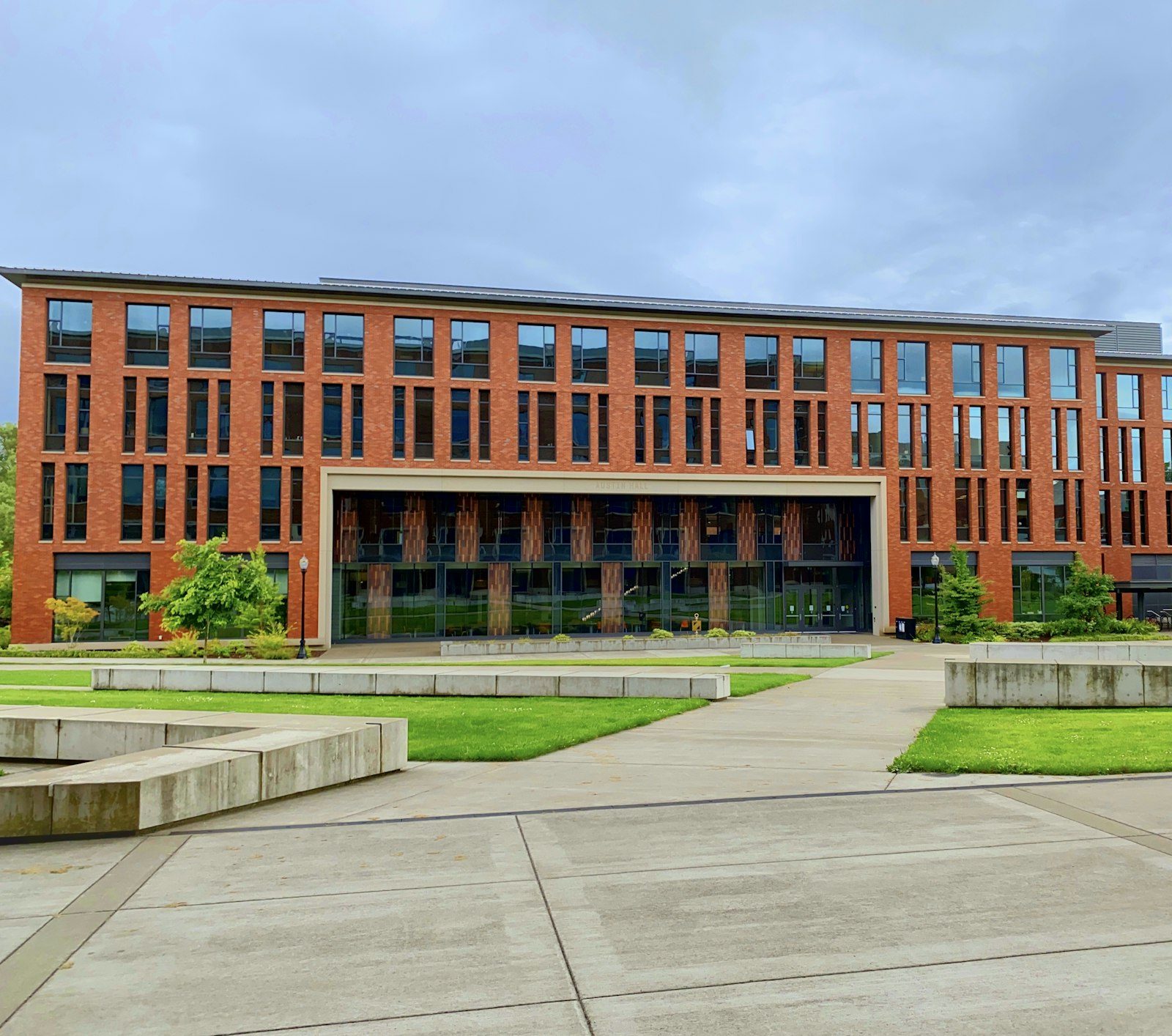
School campus building

Boarding Schools

Hostels, rooms and bed allocation, pocket money and medical records alongside academics.

College students working on a laptop

Colleges & TVETs

Intakes, unit registration, a registrar's admissions queue and NOVA LMS for every course.

Fair By Design

Built to work for every school, not just the ones with an IT budget.

Common questions from schools deciding whether to make the switch.

Book a Free Demo
Do we need to buy new computers?

No. Somatrack runs in a browser on the computers and phones you already have. The only optional extra is a fingerprint scanner at the gate for biometric attendance.

What about schools with unreliable internet?

Parents get SMS on any phone, no data bundle needed. In NOVA LMS, quiz answers stay saved on the device if the connection drops and are sent the moment it's back.

Does payroll handle PAYE, NSSF, SHIF and the housing levy?

Yes. Deductions are calculated from rates your finance office can edit, alongside allowances, salary advances and loans — then salaries are paid straight to M-Pesa.

Which payment channels does it support?

M-Pesa paybill and STK push through Safaricom, Equity (Jenga) or KCB, plus cash, cheque and bank payments recorded at the bursar. Every payment posts to the right learner and texts the family a receipt.

Is there a long-term contract?

No lock-in. You can stop using Somatrack at the end of any billing period.

What if our staff aren't comfortable with technology?

If you can use WhatsApp, you can use Somatrack — most staff are confident within a day.

Can every teacher and parent use it, or just the office?

Everyone. The office, bursar, teachers, parents and students each get their own view, on the web or in the mobile app.

Get Started

Ready to leave the paperwork behind?

Book a free demo and we'll show you Somatrack and NOVA LMS running with your school's setup.